Everything your team needs to talk to customers
One phone system with the call centre, the dialer, the customer inbox and the apps built in. Every feature is in every install, for every user.
Phone system and call centre
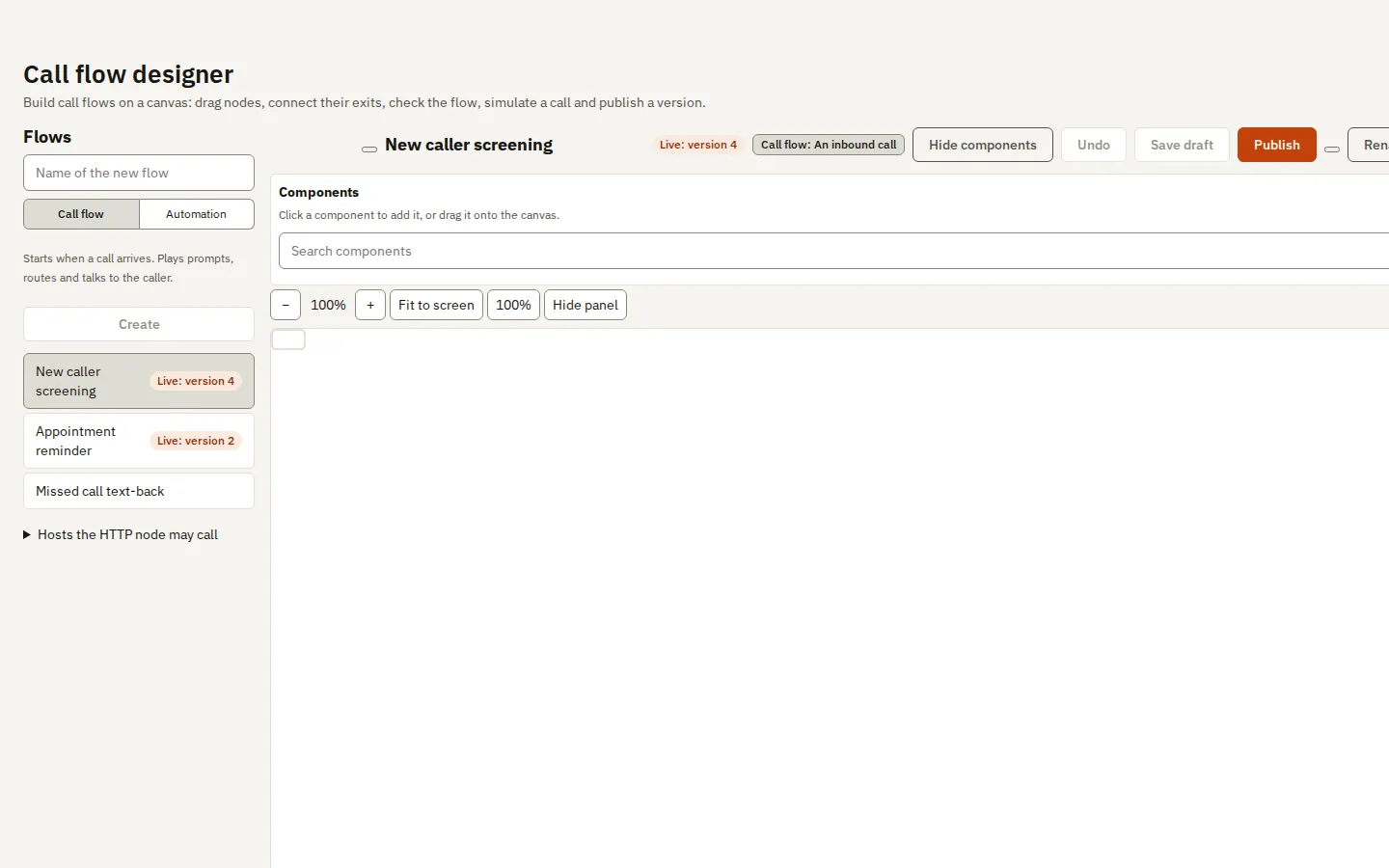
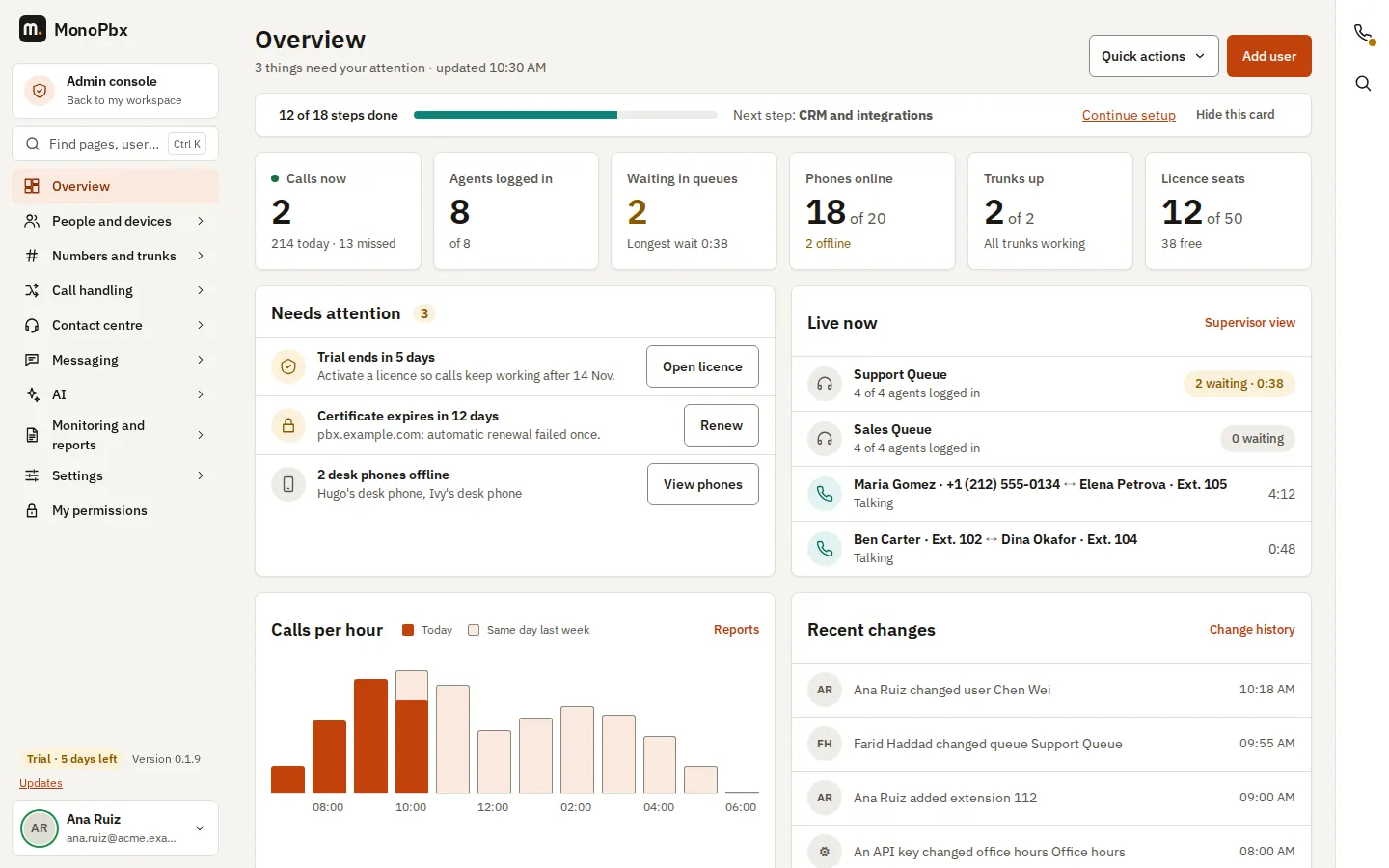
A full phone system, ready for a call centre
Extensions, queues, IVR, trunks, recordings and reports, managed from one web console.
- Extensions, queues and IVRSend calls to people, queues and menus, over your own SIP trunks.
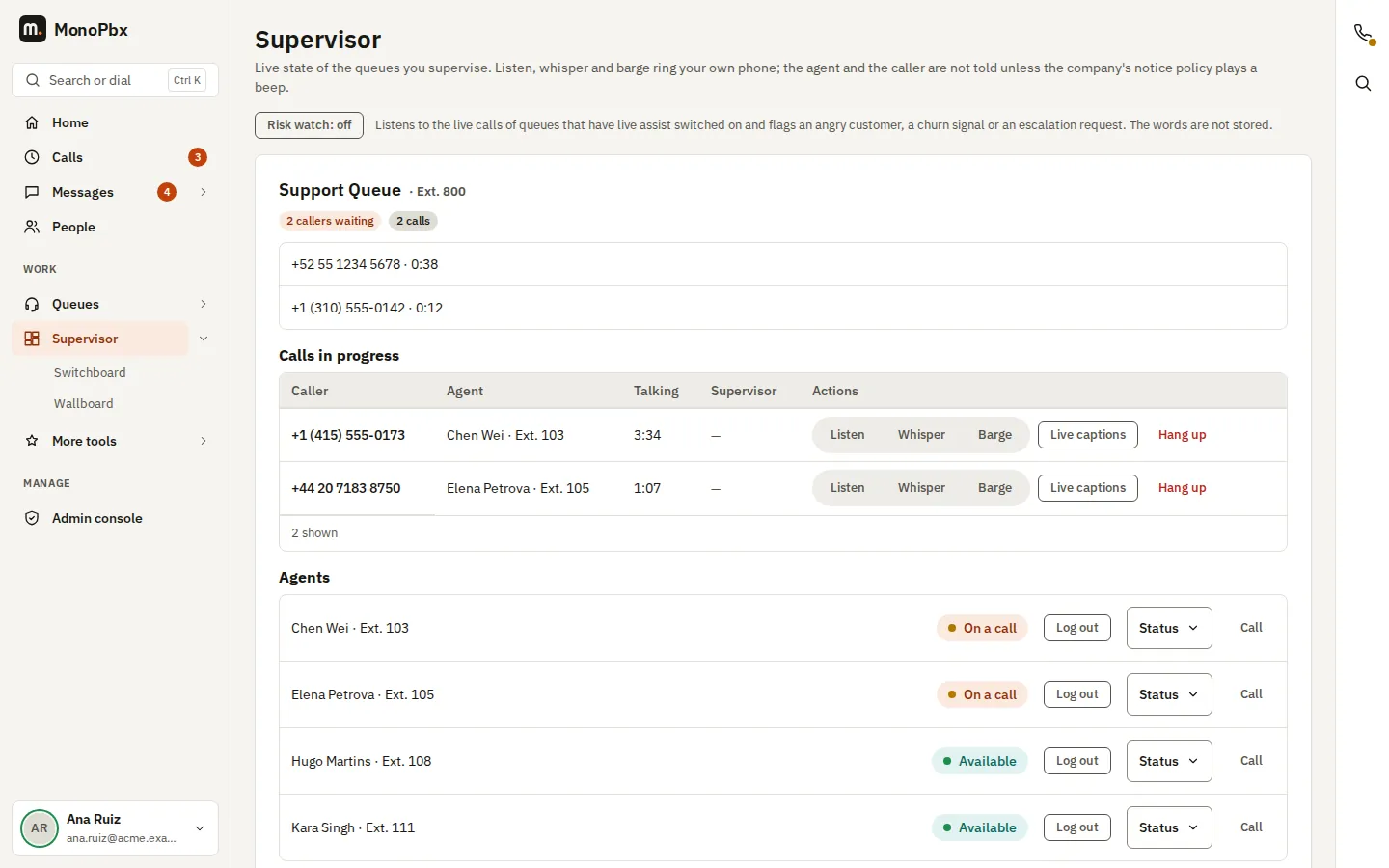
- Call-centre supervisionSelected users get a live queue board and can listen in, whisper or join a call.
- Recordings and historyRecordings are encrypted on disk. Call history has filters and exports to CSV, XLSX and PDF.
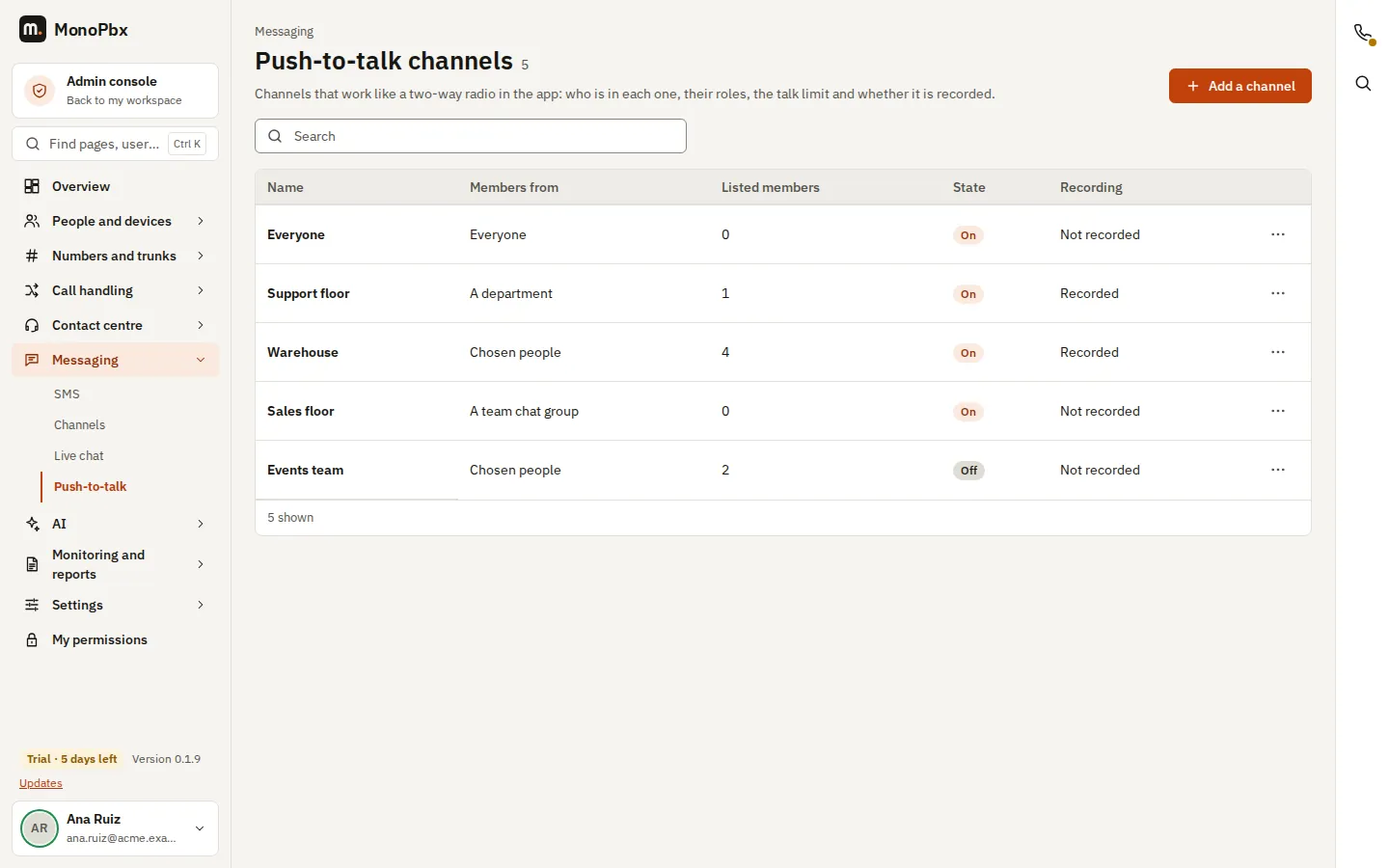
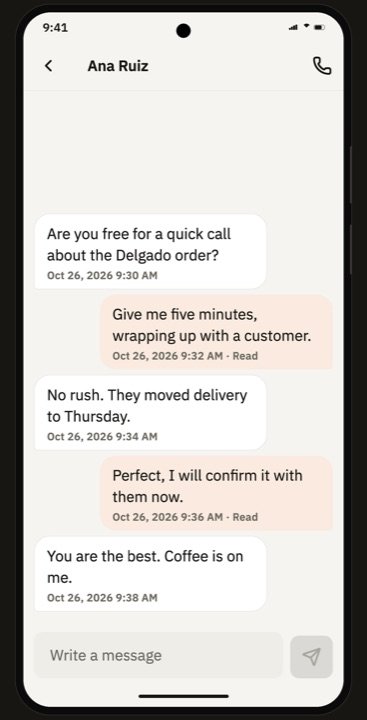
- Voicemail, presence and chatHold, transfer, park, record, voicemail, presence and team chat, in the apps and in the browser.
- Desk phonesProvisioning templates for the most popular desk phone brands. Any standards-based SIP phone can register by hand.
- Several companiesOne install can host many companies, with their data kept apart.
More in MonoPbx
And more in the box
Smaller pieces that matter once you run MonoPbx every day.
- Compatible telephony APICode written for a common cloud telephony REST API and its call markup can move to MonoPbx by changing the base URL and the credentials.
- Integrations catalogueCRMs, helpdesks, team messengers, automation platforms, hotel and clinic systems, webhooks and a BI feed.
- Logs and audit trailAn audit log of who changed what, an access audit of sign-ins and downloads, and log levels you can change at runtime.
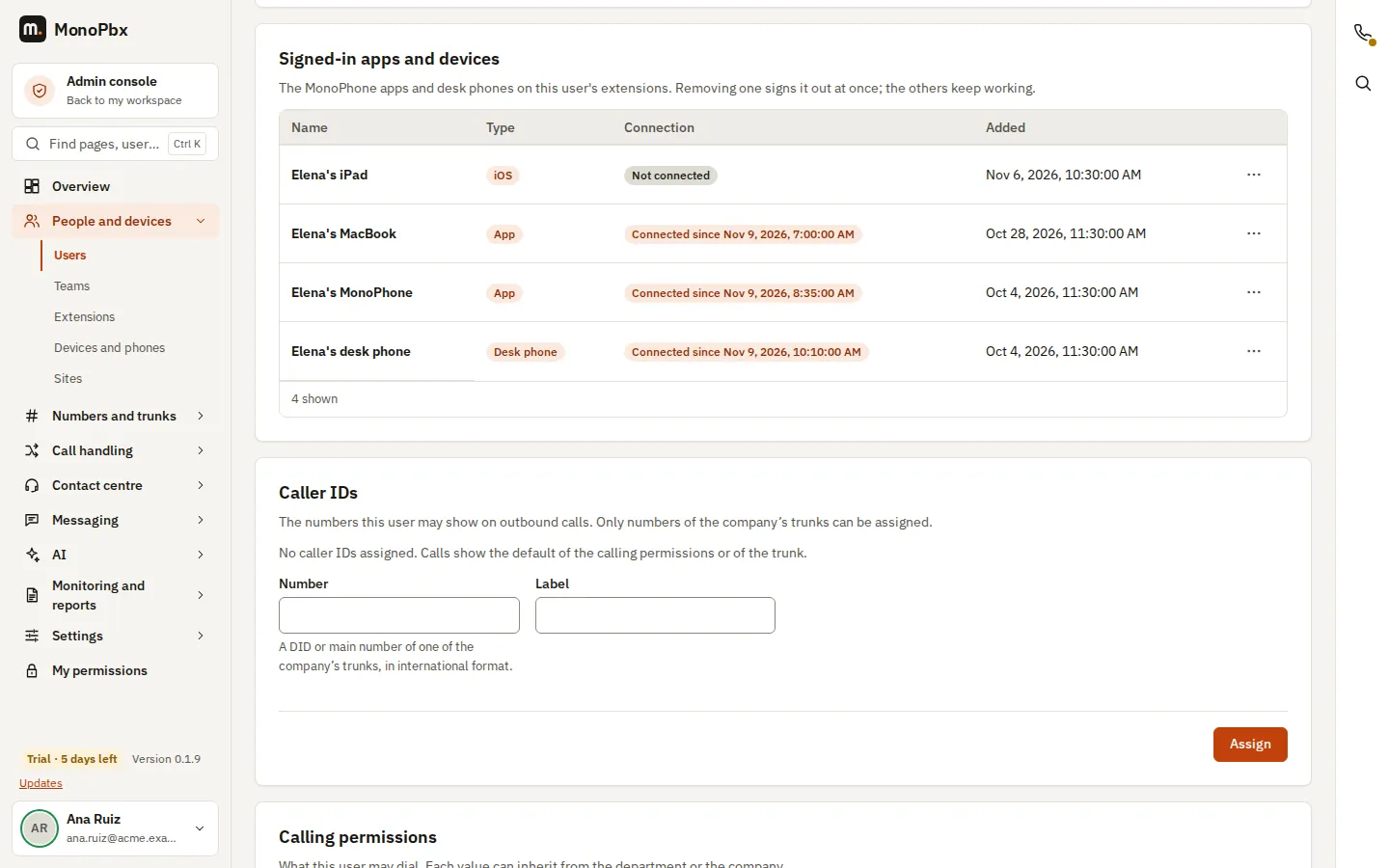
- One extension, many devicesMonoPhone on your phone and computer, the browser and a desk phone ring together on the same extension.
- Built-in HSSSIM authentication for your own 4G and 5G network, without a separate HSS.
- Account mail from day oneInvitations and password resets can go out through the MonoPbx relay until you set up your own mail provider. You can switch it off.
Apps
MonoPhone on every screen
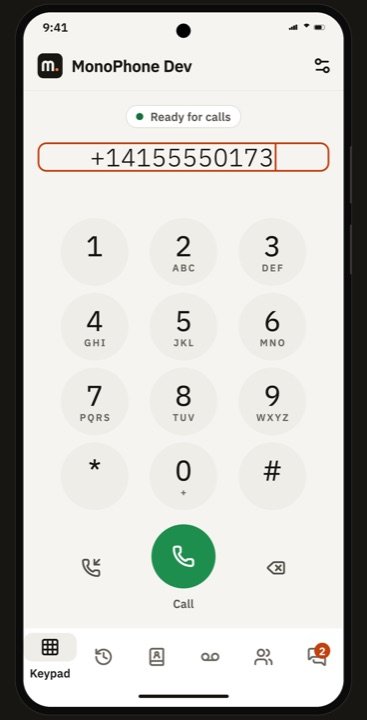
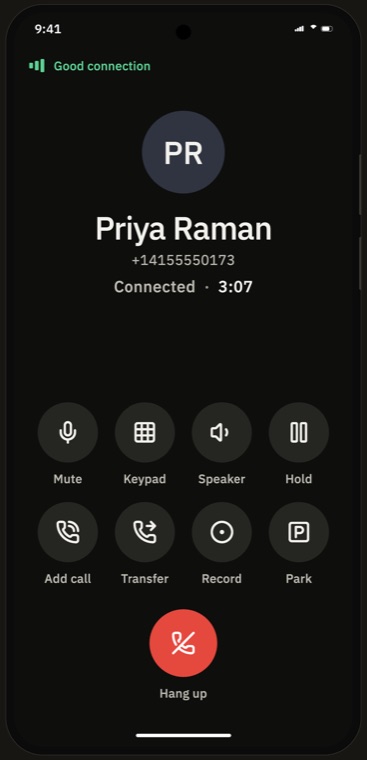
Your extension goes where you go. MonoPhone for iPhone, iPad and Android rings like a desk phone, even when the app is closed. There is also a Mac app, an Apple Watch companion and a phone in the browser.
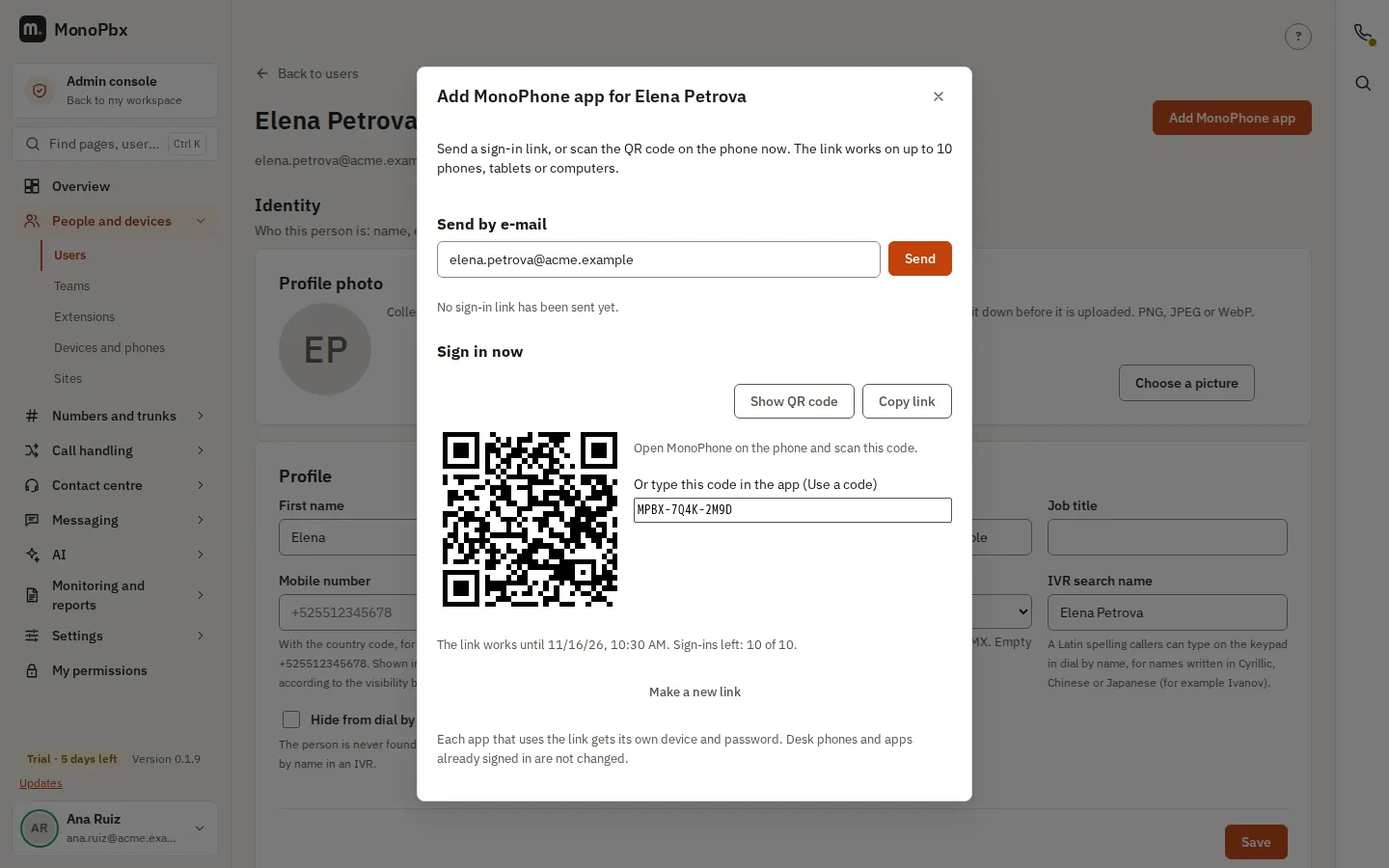
- Sign in with a QR codeNobody types a SIP password.
- Calls that surviveSwitch from Wi-Fi to mobile data and the call keeps going.
- Everything a desk phone doesHold, transfer, park, record, voicemail, presence and chat, also in the car.
- Supervisor toolsSelected users get a live queue board and can listen in, whisper or join a call. They also see live calls, team inboxes, shared voicemail, alerts, recordings, KPIs and campaign progress, and can approve callbacks and start or pause campaigns, all by role.
- Widgets and watchesQueue and alert counts on the home screen or lock screen, and on smartwatches.
iPhone and iPad · Android · Mac · Windows · Apple Watch · Browser


Security and ownership
Your phone system. Your data.
- Run it where you chooseUse your own server, or a virtual machine at the cloud you already have. Calls, recordings, voicemail, chats and history stay in your databases.
- Encrypted on diskRecordings and files are encrypted at rest. CRM and provider credentials are sealed with your company key.
- Passkeys and two-factorSign in with a fingerprint, face or security key, with or without a password. Passkeys also work as the second factor, next to authenticator apps, OpenID Connect single sign-on and SCIM.
- IP bans and allowed IPsToo many wrong passwords from one address and it is blocked on the phone side and the web side. You see the list, can unblock, and can keep trusted addresses and administrator access to chosen networks.
- Sign-in protectionAdd a CAPTCHA to the sign-in pages with your own keys. Every user and administrator can review their sign-in history, with new countries and devices marked.
- A guarded SIP edgeGeo blocking, allow and deny lists, scanner detection and STIR/SHAKEN for caller ID.
- Audit and backupsAn audit log, a change history you can revert from, and scheduled encrypted backups that restore onto a new server.
- Fair licensingPriced by simultaneous calls. No per-user fees and no feature locks.
How MonoPbx is different
Worth comparing when you look at any phone system.
| MonoPbx | Worth asking any vendor | |
|---|---|---|
| Pricing basis | Simultaneous calls. Users are unlimited. | Is it per user, per feature or per minute? |
| Features | All software features in every install: contact centre, inbox, AI and apps. | Which features are sold separately? |
| Where data lives | On your server, in your databases. | Who stores recordings and call history, and where? |
| AI | Off until you enable it, with your own provider key. | Whose AI account is used, and what is sent to it? |
| Outbound dialer | Power, predictive, preview and blaster, included. | Is the dialer a separate product? |
| Leaving | Standard SIP, a REST API and exports. Your data is already yours. | How do you move away? |
| Mobile networks | Can also act as the IMS core for your own SIMs: VoLTE, VoWiFi and SMS. | Can it serve SIM-based handsets, or only SIP phones? |
Names of other products and companies belong to their owners.
Technology at a glance
- Architecture
- A SIP back-to-back user agent written in Rust, rtpengine for media, a web console and REST API, PostgreSQL for configuration, Valkey for cache and events, ClickHouse for call history and analytics.
- Signalling
- SIP over UDP, TCP and TLS. SIP over WebSocket for the browser phone.
- Media
- RTP and SRTP through rtpengine, WebRTC for browsers, STUN and TURN for phones behind NAT.
- Codecs
- Opus, G.722, G.711, G.729. AMR and AMR-WB for IMS handsets, with transcoding.
- Several companies
- One install can host many companies. Their data is kept apart row by row in PostgreSQL.
- API
- REST with an OpenAPI document, signed webhooks, an events WebSocket and an MCP server.
- Languages
- Console and apps in nine languages: English, Spanish (Mexico), Portuguese (Brazil), French, German, Italian, Russian, Chinese and Japanese.
Questions
Do I pay per user?
No. You pay for simultaneous calls, and every plan has unlimited users and every feature. Calls between your own phones never count.
How do I try it?
Create an account, install MonoPbx and start your free trial. It lasts 7 days with every feature switched on. Each account gets one free trial.
What happens after the 7 days?
You buy a licence sized by the calls you need at the same time. Calls keep working. Without a licence the admin console becomes read-only.
Where does it run?
On your own server or on a virtual machine at any cloud provider, as a Linux package, with Docker Compose or on Kubernetes. See the Tech facts page.
Do my calls go through your servers?
No. Calls, recordings and history stay on your server. The one exception is the push notification that wakes a phone for an incoming call, which goes through the MonoPbx push relay.
Which AI providers can I use?
Leading AI providers, or any service with a compatible chat API. Each company brings its own key, and AI is off until a company turns it on.
Which desk phones work?
Provisioning templates cover the most popular desk phone brands. Any standards-based SIP phone can register by hand.
Which languages are supported?
The console and the apps speak English, Spanish (Mexico), Portuguese (Brazil), French, German, Italian, Russian, Chinese and Japanese.
Can MonoPbx work with a mobile network?
Yes. IMS mode is optional and off by default. It lets MonoPbx register VoLTE and VoWiFi handsets with the SIM, keep the subscriber data itself or use your HSS or UDM, and carry voice and SMS. See the IMS page.
See it with your own calls
Start the free trial, or tell us what you need and we will show you.
Start free trialSee pricingBook a demo →
One free 7-day trial per account. No card to start.